 StampySupport
Every little find has a story.
Use Stampy
with confidence
Find help, learn where your data is stored, and read our privacy policy. Your photos and collection stay on your device or in a backup controlled by you.
Frequently Asked Questions
Start here when you need help.
The cutout does not look clean
Fit the entire subject inside the category guide and tap the shutter in a bright place. A background that contrasts with the subject works best. If the camera result is not clean, try Add from Photos.
I want to add an existing photo
Tap the central plus button and choose Add from Photos. If the photo contains its original capture date or GPS metadata, those values appear in the save screen. You can edit them before saving.
I am changing or replacing my phone
Check your iCloud, Mac, or Google device backup settings before changing phones. Make sure a current backup exists. Data that has not been backed up may be lost when the app or device is removed.
I want to share a transparent PNG
Open an item in your library and tap the Share button at the top. Only the lifted PNG image is passed to your device's share sheet.
I want to change camera or location permission
Open your device Settings and select Stampy to change Camera or Location permission. Location is optional, and you can leave the place blank or enter it manually.
Why did a video ad appear?
The free plan only offers a video when you choose a rewarded action: exporting one PNG or adding five storage slots. You can cancel without watching it. Stampy Plus does not require rewarded videos for these features.
How much is Stampy Plus?
On iPhone, Stampy Plus is a one-time purchase. It costs JPY 300 in Japan, and Apple shows the local price in other storefronts before purchase. Pay once and keep Plus without automatic renewal. You can restore it on a compatible iPhone using the same Apple Account.
Privacy Policy
Last updated: August 13, 2026
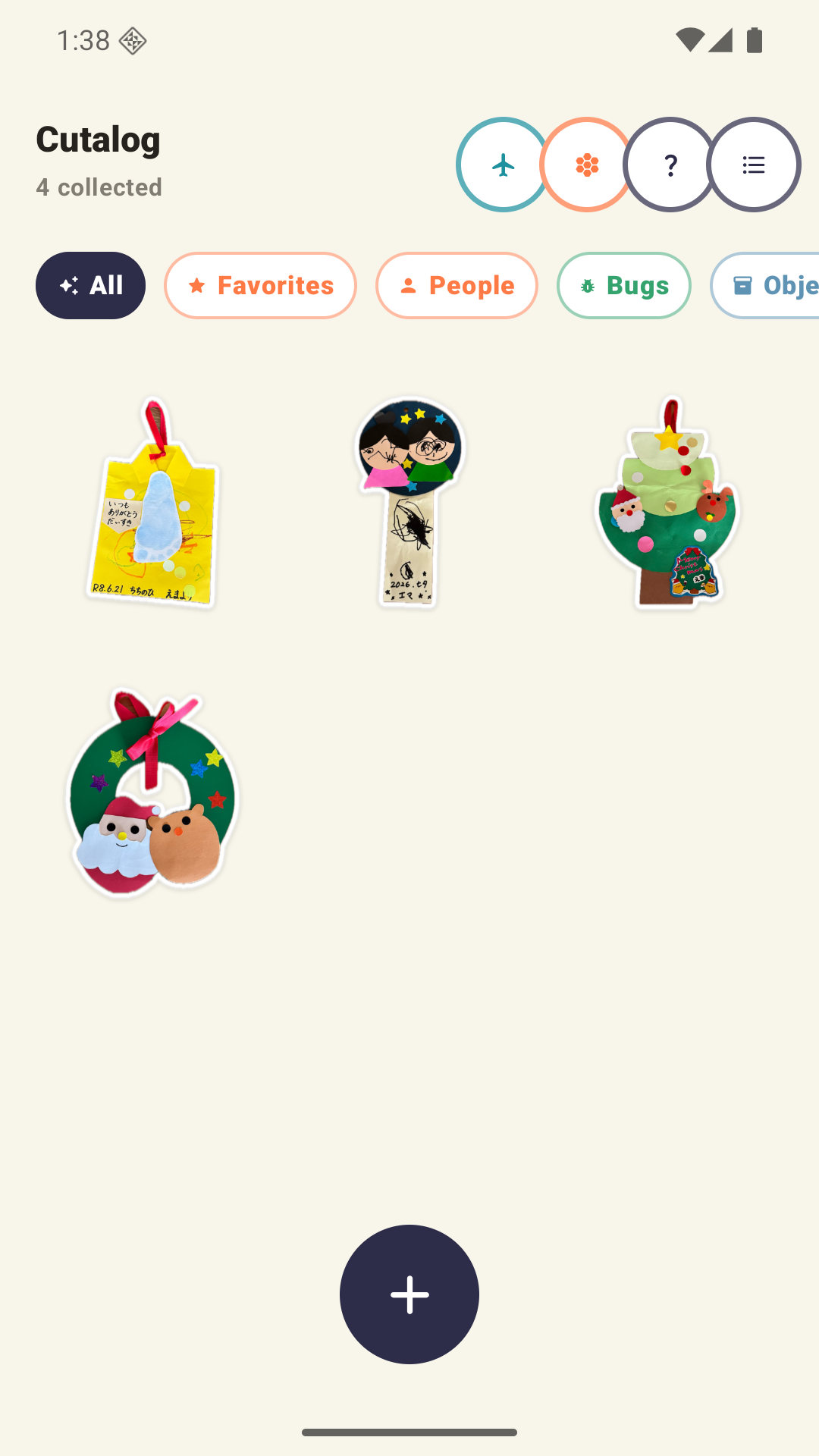
Stampy lifts people, bugs, objects, and creations from photos and saves them with a name and memory on your iPhone or Android device.
Your Photos and Memories
The developer does not operate a server that receives your photos, cutouts, names, saved places, notes, or collection history. Stampy has no account registration or developer-operated upload. Stampy Plus on iPhone is an optional one-time purchase that costs JPY 300 in Japan; Apple shows the local price in other storefronts and handles the payment. The developer does not receive card or payment details.
Optional Rewarded Videos
On the free plan, you can choose to watch a rewarded video supplied by Google AdMob to export one PNG or add five storage slots. Stampy requests non-personalized, general-audience ads and disables its publisher first-party identifier. The Google Mobile Ads and consent SDKs may process an IP-derived approximate location, device identifiers, ad and product interactions (including video views), advertising data, crash data, performance data, and other diagnostics for advertising delivery, analytics, security, and app functionality. Your photos, cutouts, names, places, and notes are not sent to AdMob. Where required, Stampy shows a consent form and a Privacy Options control.
Google ML Kit Technical Data
On Android, Google ML Kit removes photo backgrounds on the device. Image inputs and cutout results are not sent to Google servers. Google states that ML Kit may send encrypted device and app information, identifiers, and performance and utilization metrics for diagnostics, usage analytics, maintenance, improvement, and abuse prevention. Google states that this technical data is not shared with third parties.
Data Stored on Your Device
Lifted images, names, categories, capture dates, approximate places, notes, favorites, display preferences, and custom categories are stored on the user's iPhone or Android device.
Camera and Photos
The camera is used to detect and lift a subject inside the guide. Add from Photos uses the system photo picker on iOS or Android and loads only the photo selected by the user. The app does not request access to the full photo library.
Capture Date and Location
If a selected photo contains a capture date or GPS metadata, the app uses it as an initial value on the save screen. For camera scans, an approximate place is shown only when location permission is granted. Apple or Google location services may be used to turn coordinates into a place name, but location data is not sent to a developer-operated server.
Exporting, Sharing, and Backup
Only after the user chooses Export or Share are selected transparent PNG files passed to the device's share sheet. Device, iCloud, Mac, or Google backup settings may include locally stored app data. Backups are controlled by the user and are not sent to a developer-operated server.
Stampy Plus
On iPhone, Stampy Plus is a one-time purchase that costs JPY 300 in Japan. Apple shows the local price in other storefronts and handles purchase, restoration, and payment methods. Stampy receives only the information needed to determine whether Plus is active. Pay once and keep Plus without automatic renewal.
Retention and Deletion
Data remains on the device until the user deletes an item or removes the app. Data in iCloud or a device backup is managed through the user's Apple or Google account and may remain until the user deletes it there.
Children's Privacy
The app is intended for parents and families who save memories. The developer does not collect or sell photos of children or anyone else. Please consider the privacy of people shown in a photo before sharing it.
Changes to This Policy
If this policy changes, the last-updated date on this page will be revised. If our data practices change significantly, we will provide a clear notice in the app, on the App Store, or on Google Play.
CONTACT
Contact
c9.interior@gmail.comA reply may take a few days. You do not need to attach photos or location information from the app.